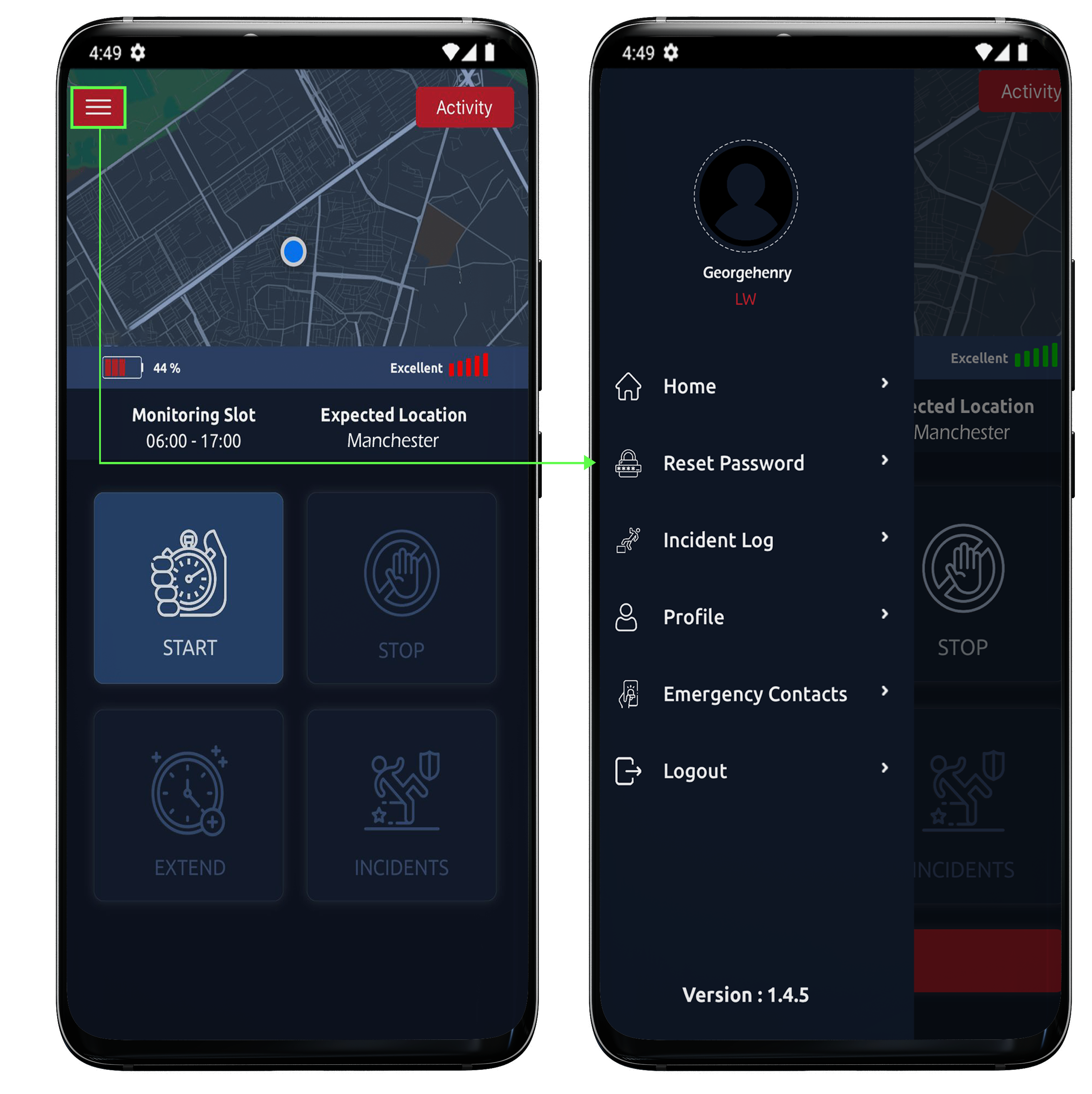
Side Menu
Clicking on 3 bars we arrive on the side menu of MiSOS.

Clicking on 3 bars we arrive on the side menu of MiSOS.
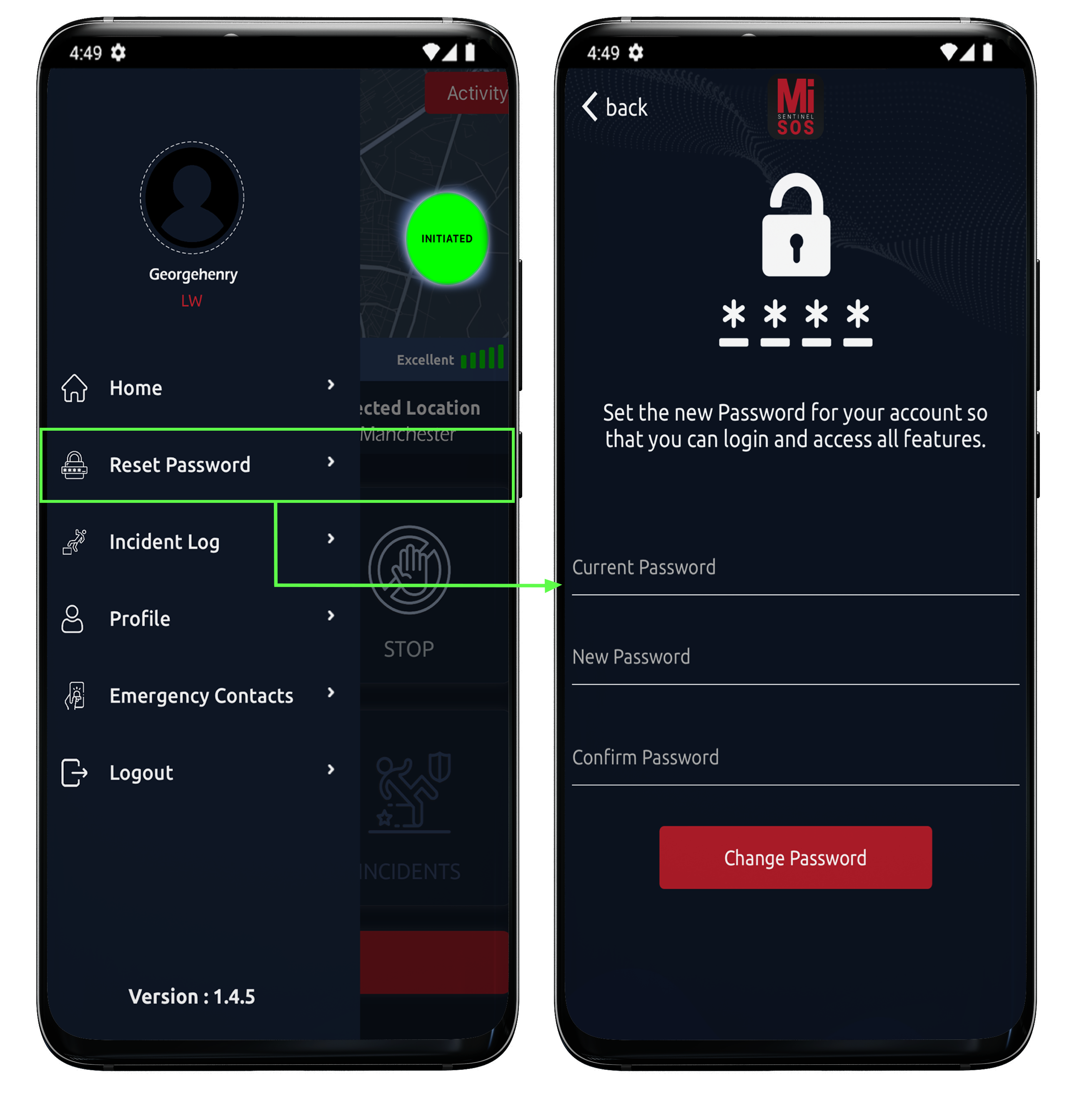
From the option of reset password we can reset the existing password.
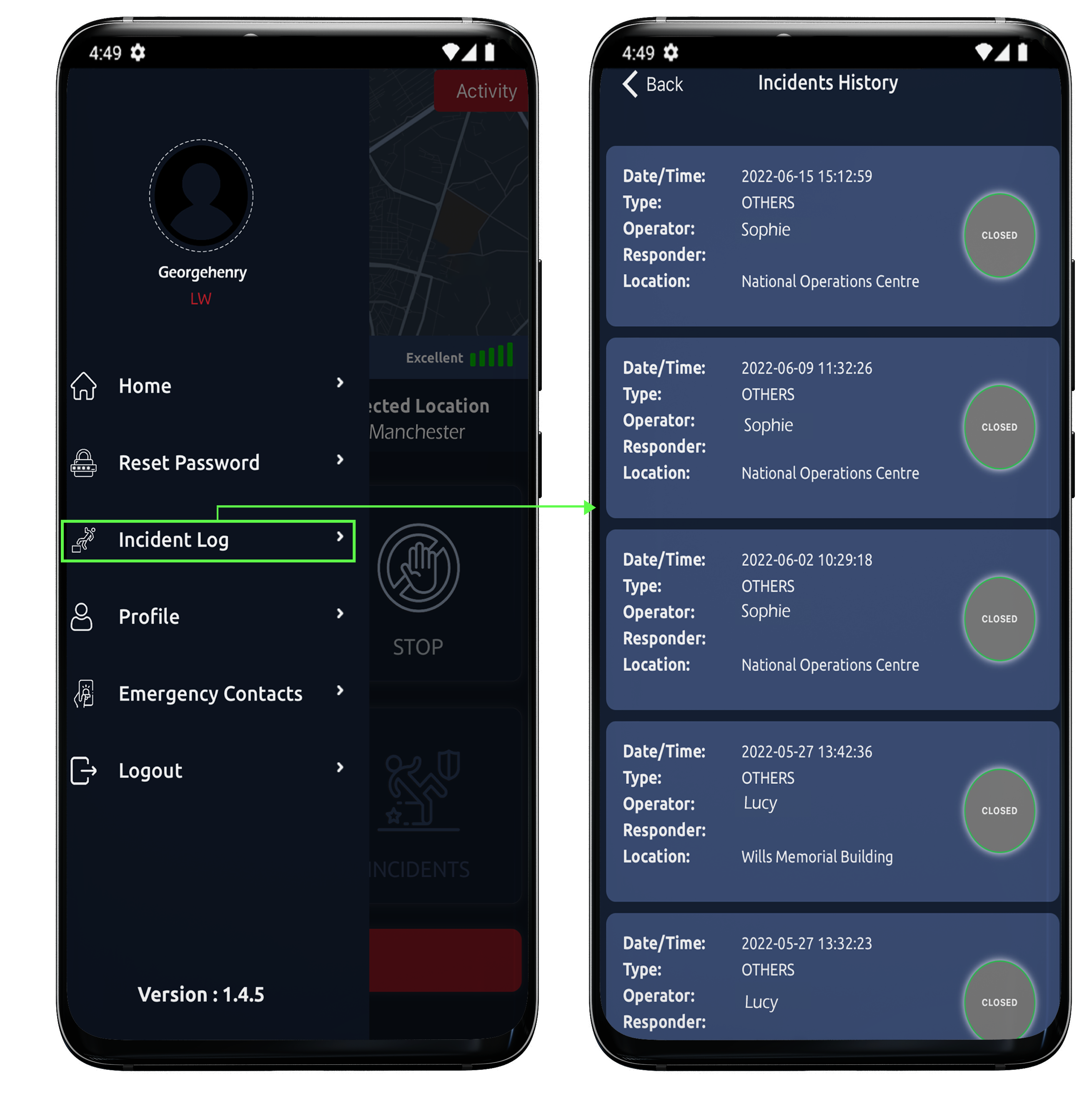
Meanwhile, incident log tells us about all incidents that had occurred in the past. Tap onto one incident and all mandatory details along with complete timeline can be viewed.
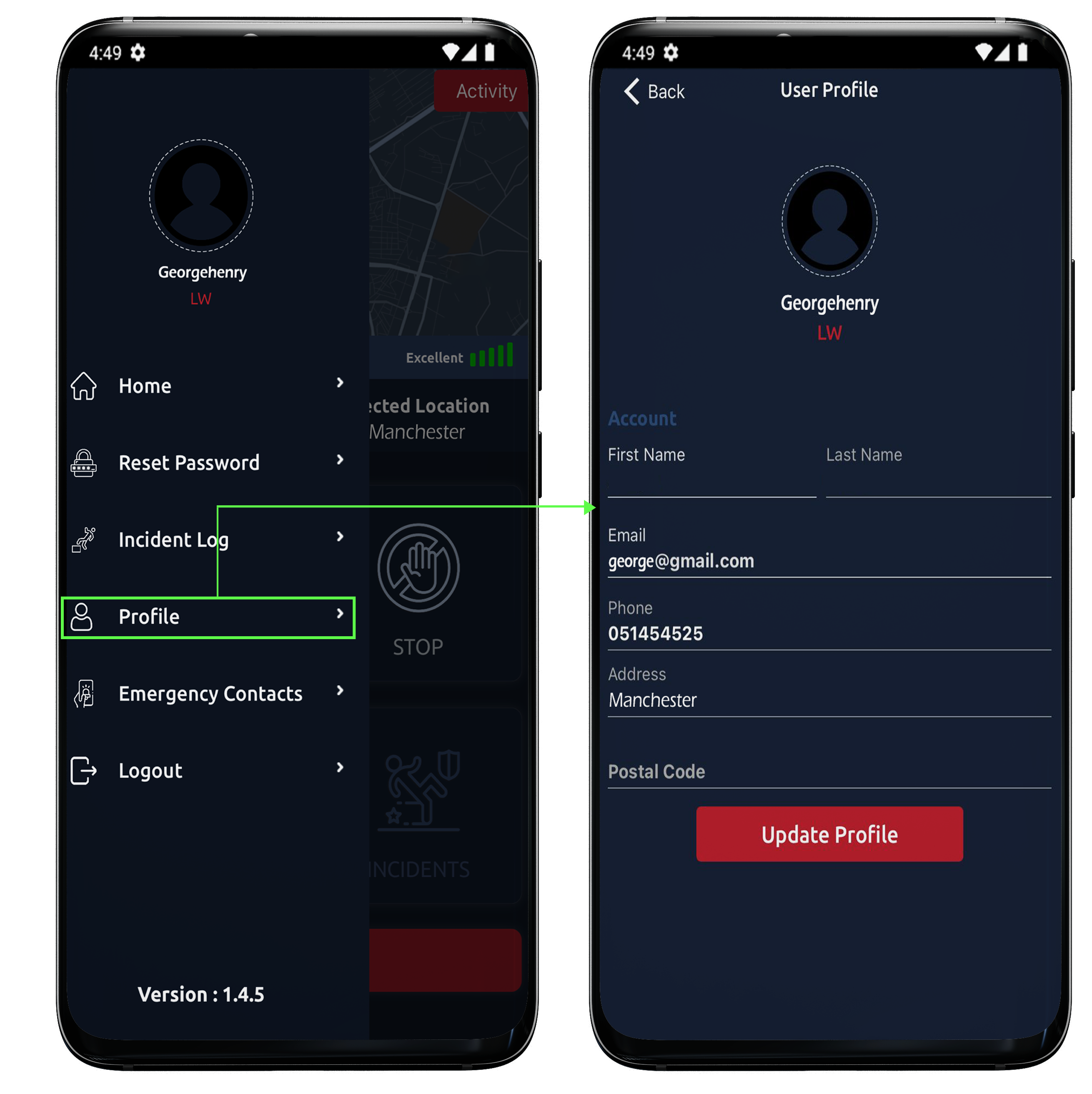
After this, we have Profile. One can view profile, update it as per requirement.. Except email address all details can be edited.
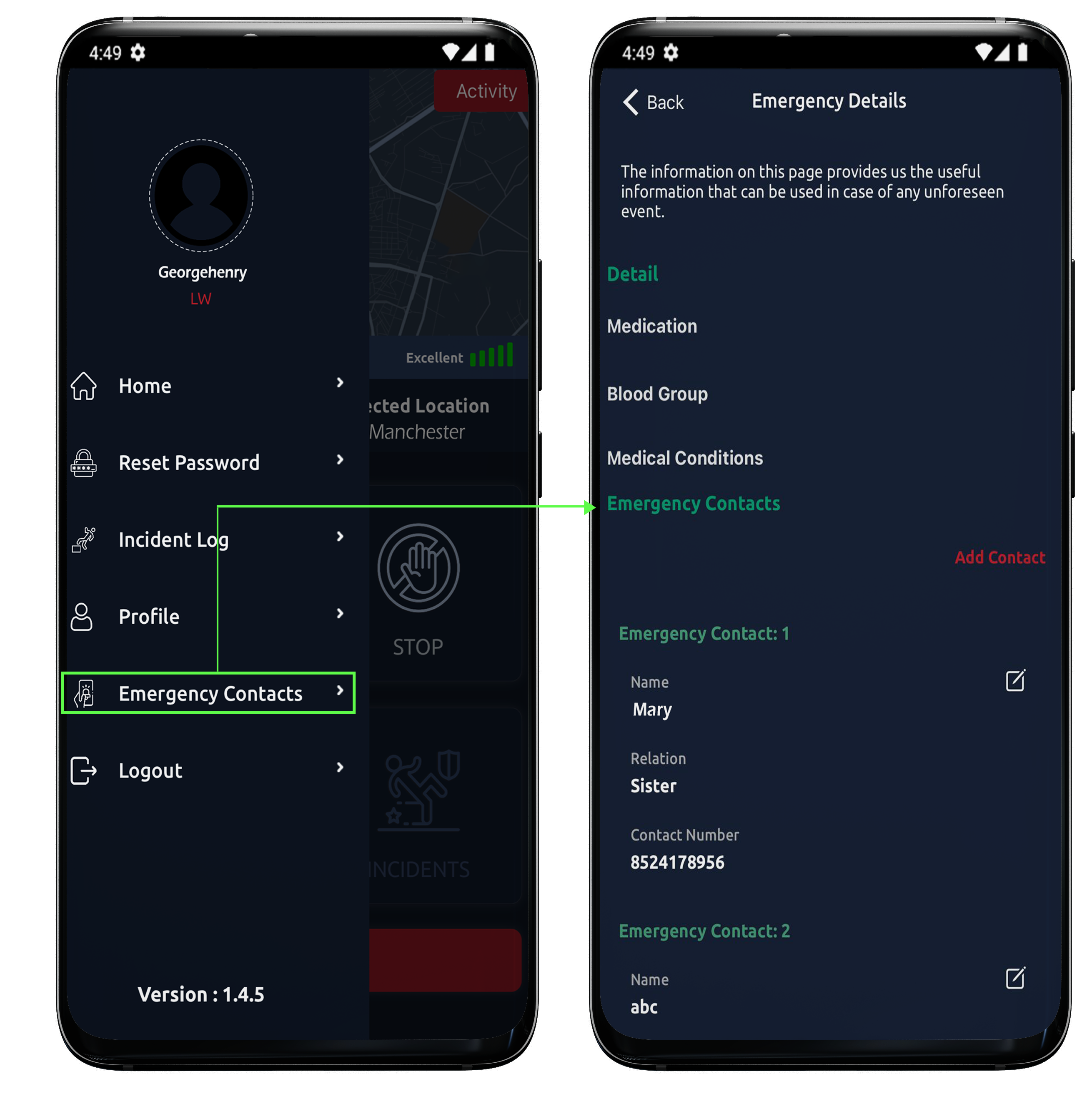
Emergency contacts details can be added as well as the lone worker’s medical history.
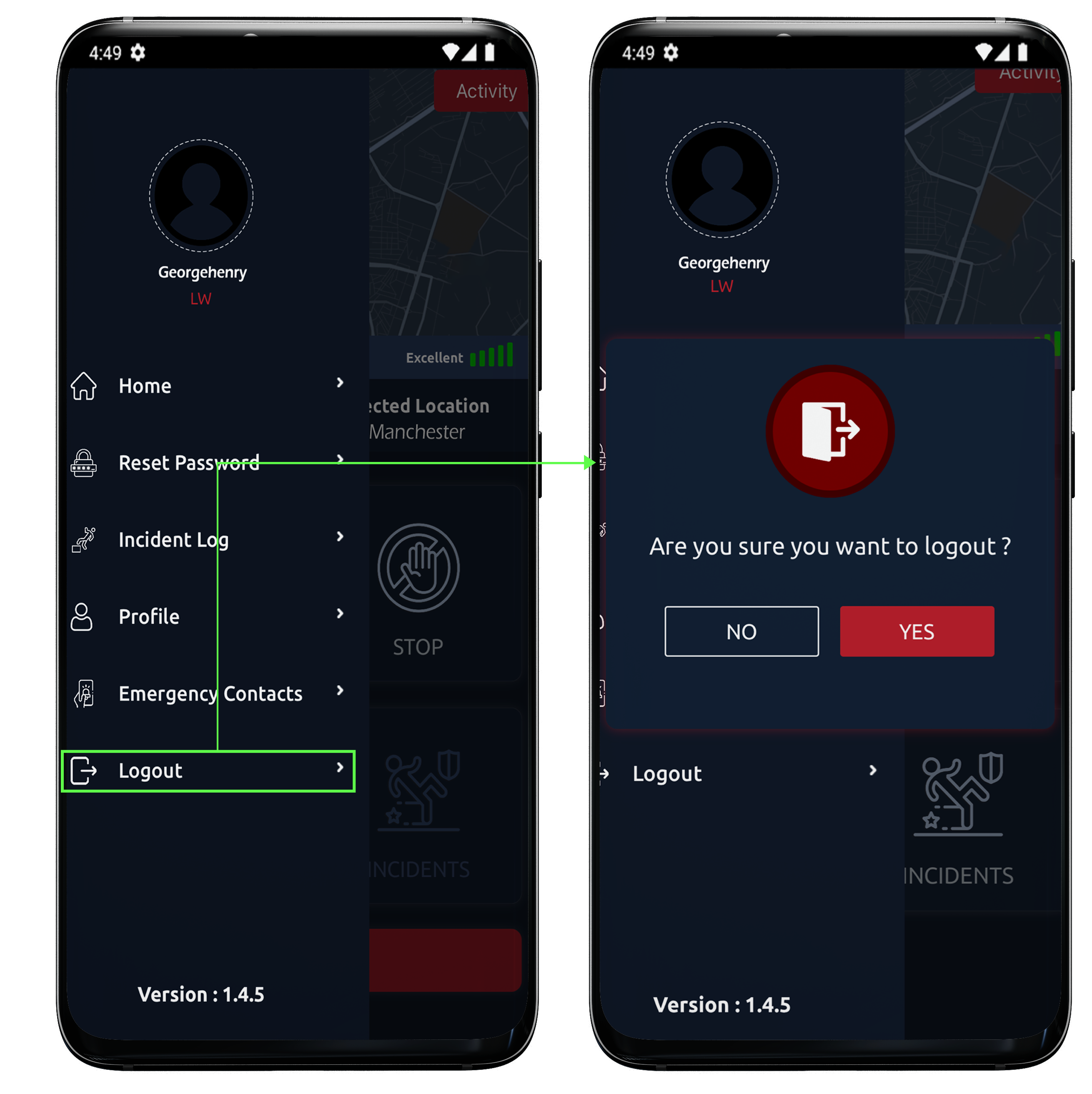
Name, relation and number of contact is to be inserted here. The option of adding more contacts is available too. Lastly, MiSOS has the Logout option in this side menu.
After clicking on logout button a confirmation is required and on clicking it the loneworker will be logged out from the application